MediaExplorer
A downloadable program for Windows
Version 1.1.2
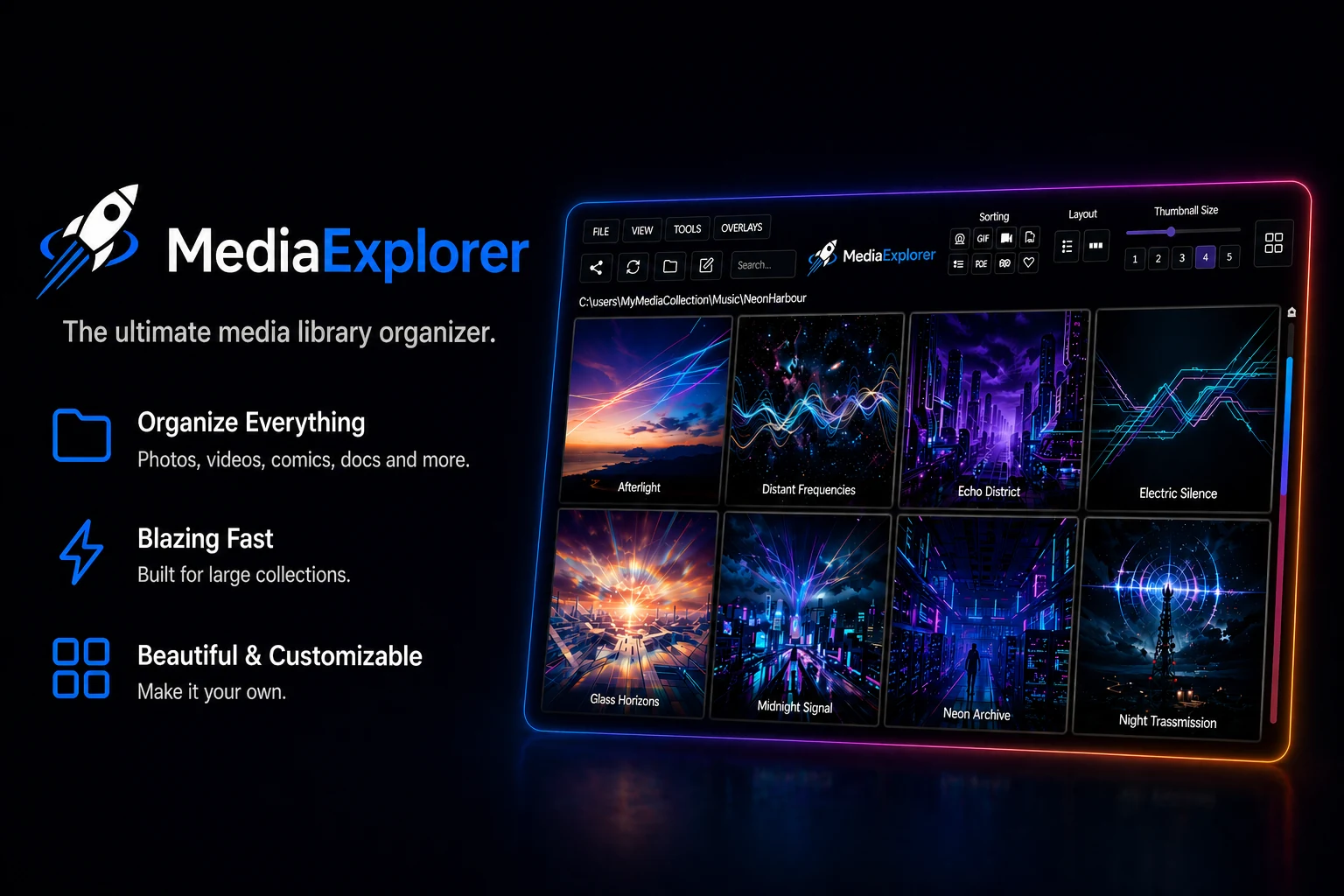
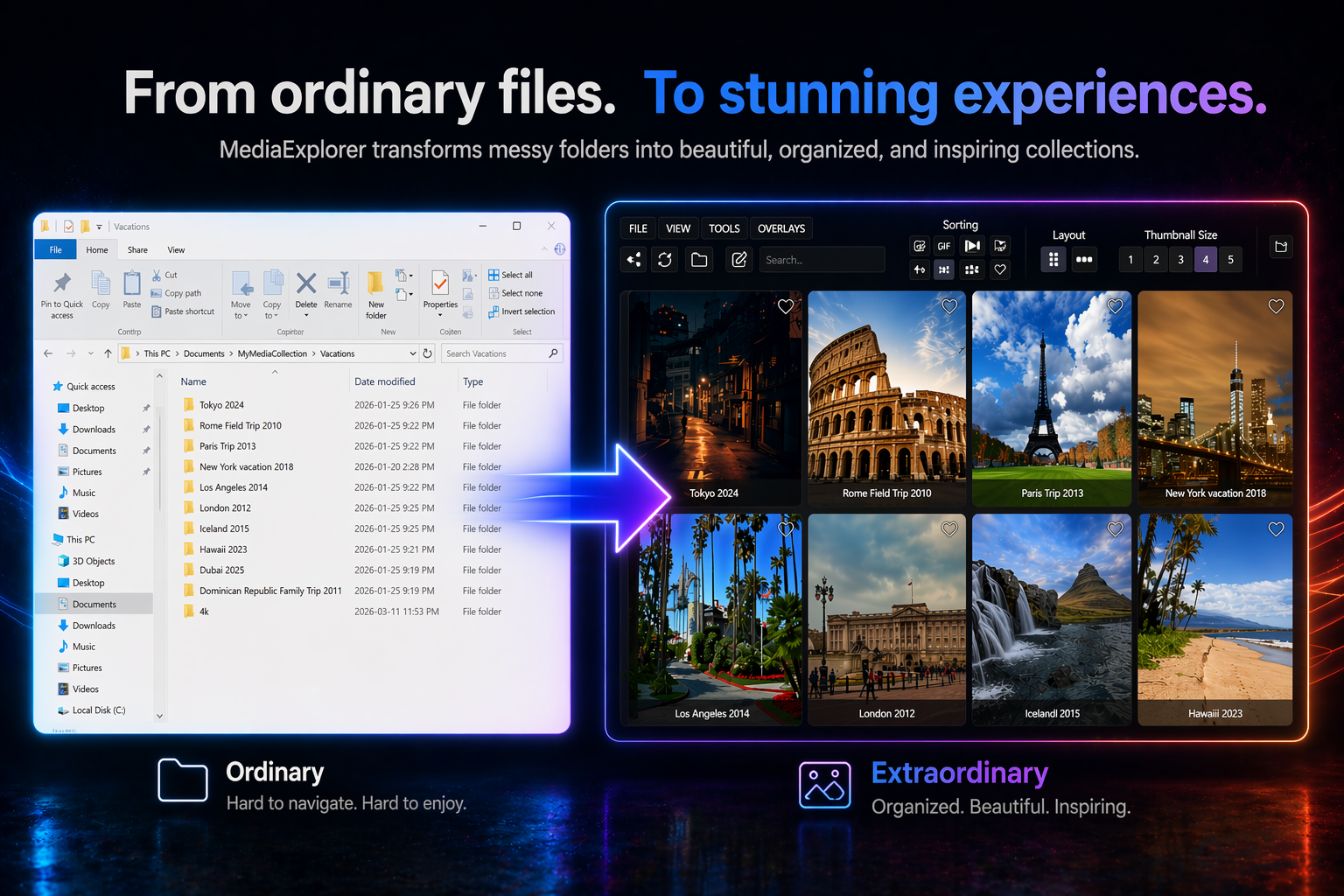
Your folders, reimagined as a visual media library.
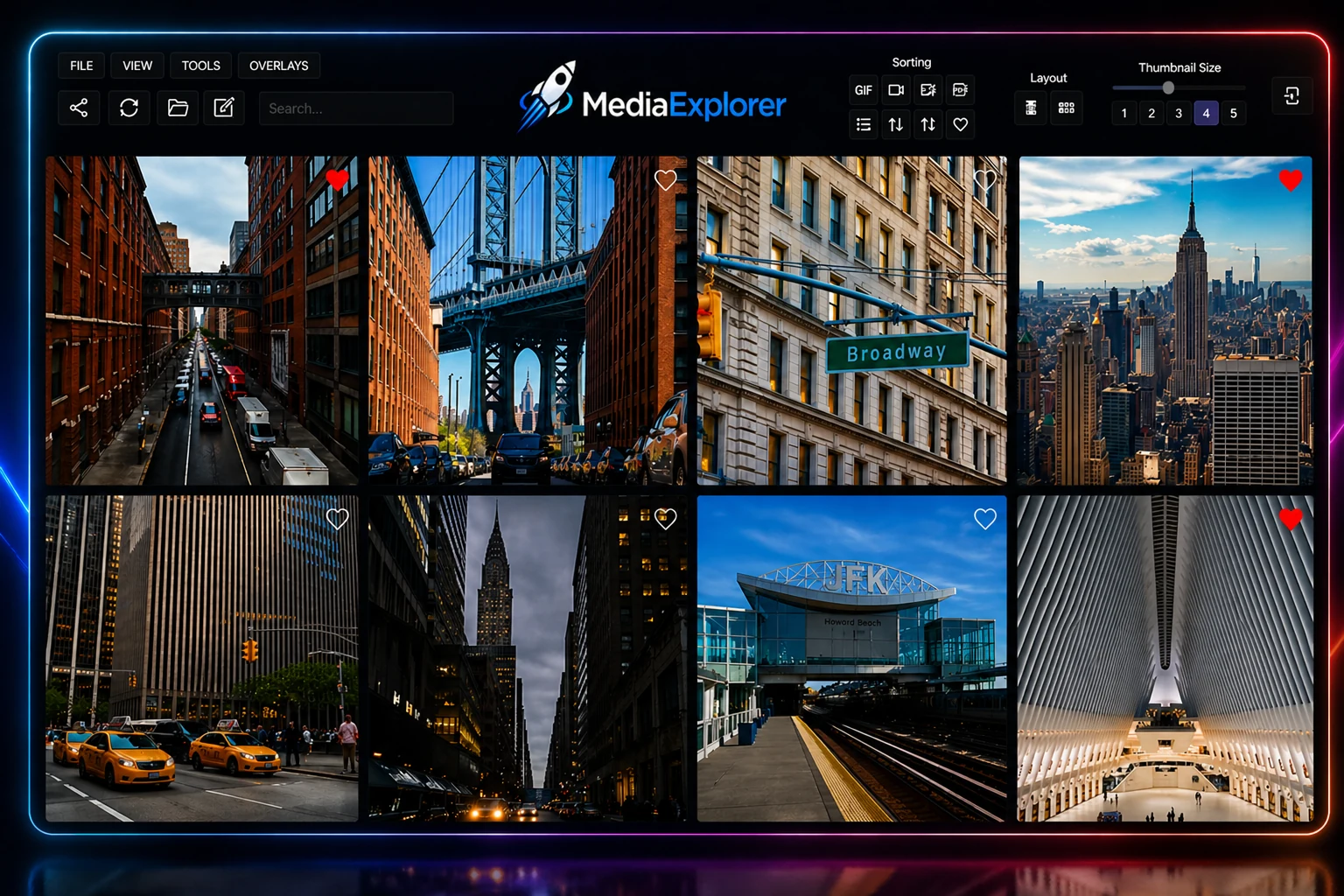
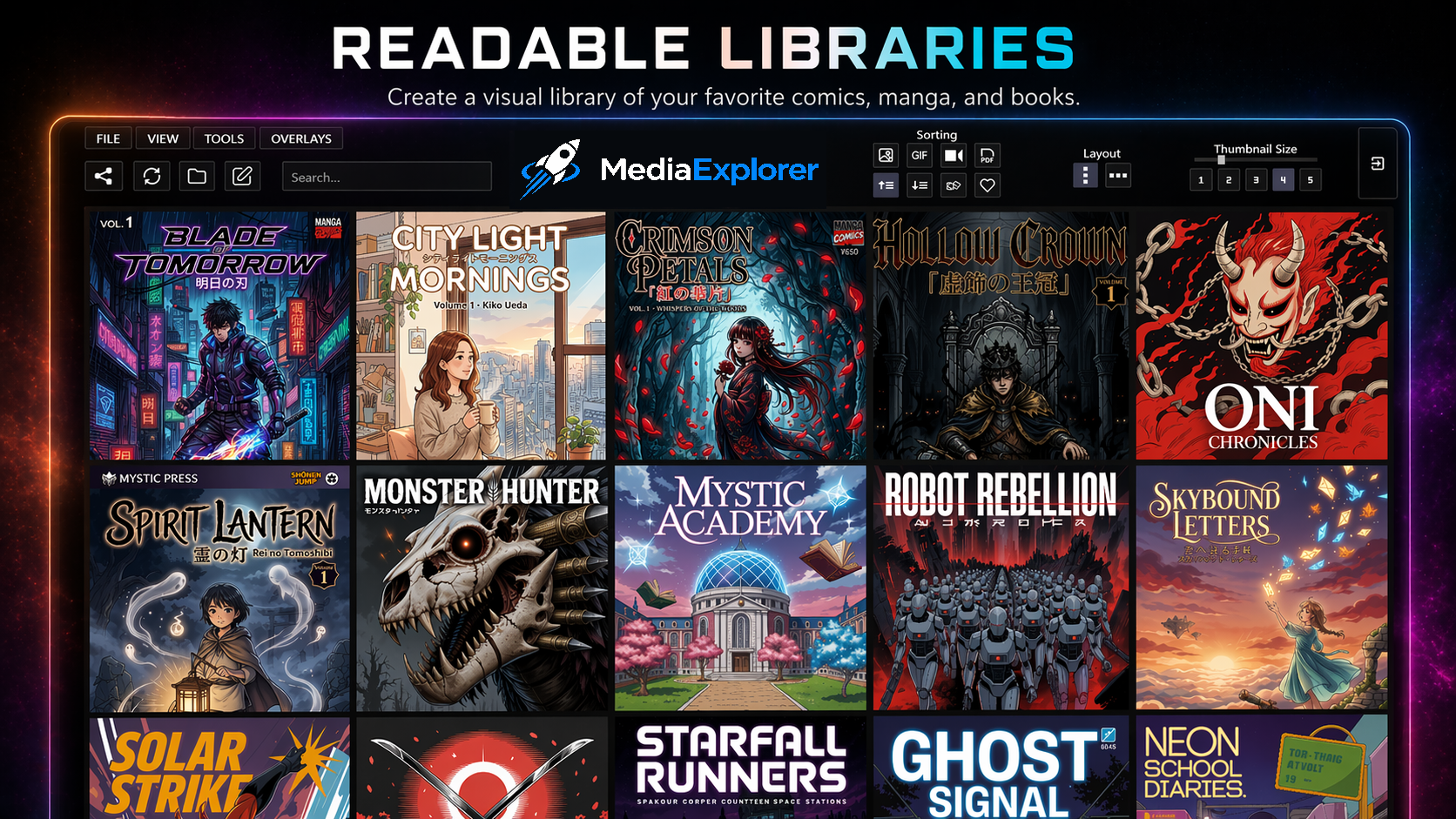
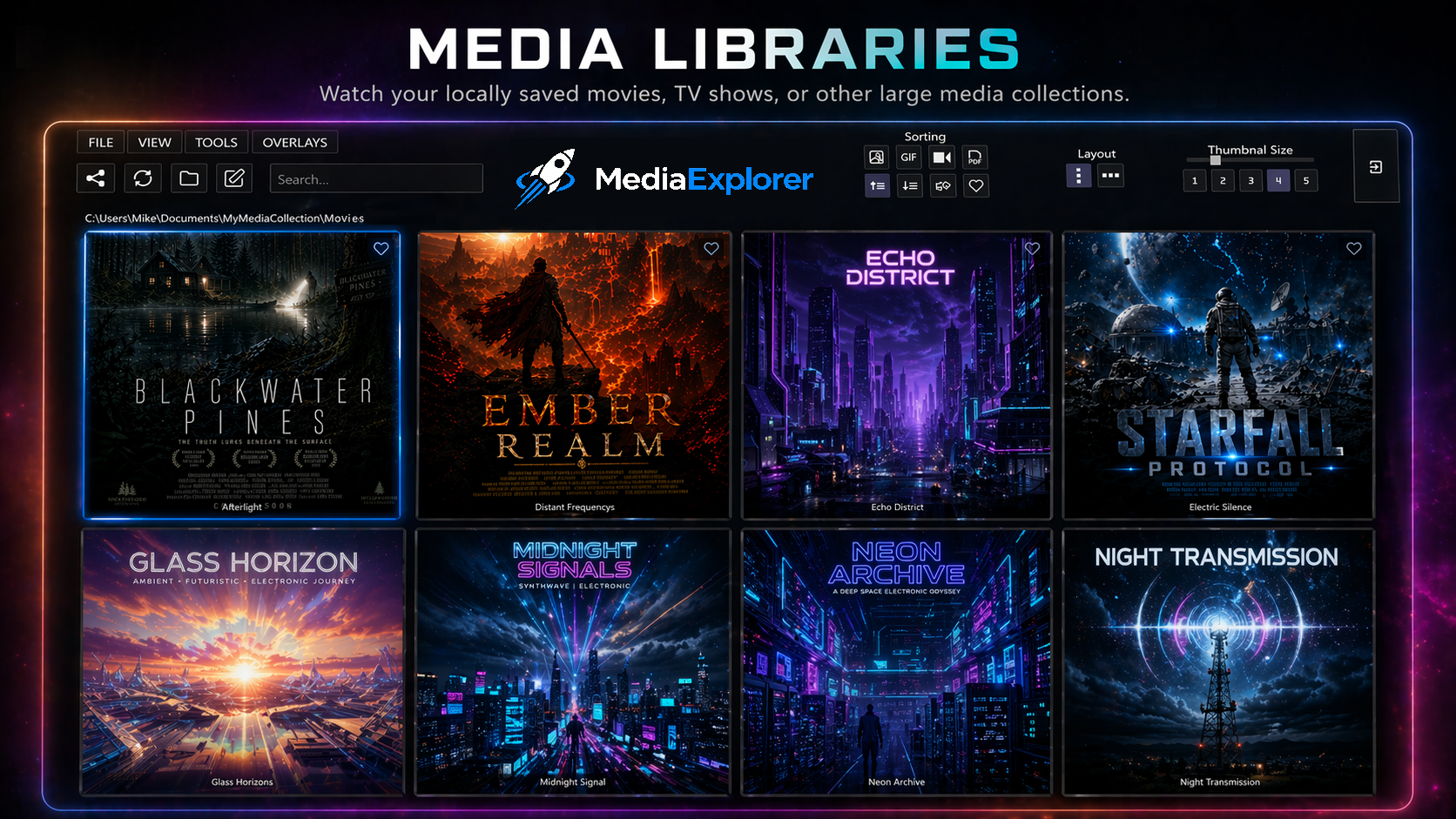
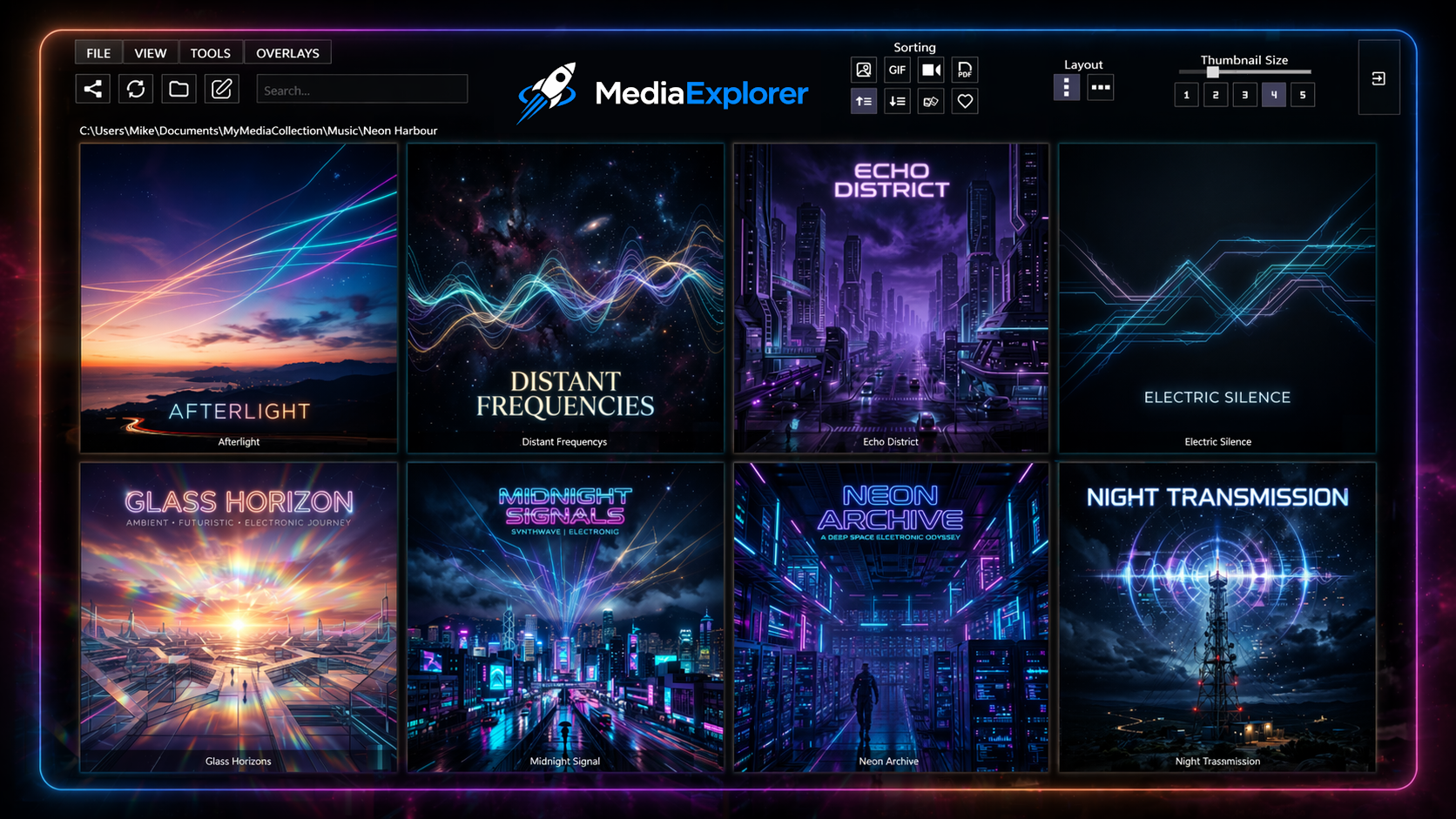
MediaExplorer is a fast, visual media browser for Windows built for people with large local media collections. Instead of digging through small icons and long file lists, you can browse your files as large, customizable thumbnails in a clean grid layout.
It works directly with your existing folder structure. No importing. No cloud account. No setup process. Open a folder and start browsing.
--------------------------------------------------------------------------------------------------------
New in MediaExplorer 1.1
MediaExplorer 1.1 adds two major improvements:
• Mega View — Browse media from the current folder and all subfolders in one combined view. Great for large image libraries, comics, videos, game folders, and mixed media collections.
• Portable Version — The full version now includes a portable ZIP option. Run MediaExplorer from a folder, USB drive, or external drive without using the installer. In portable mode, settings and save data stay inside the MediaExplorer folder, so the app can move with your media collection.
This update also includes additional fixes, usability improvements, and better folder/file handling.
--------------------------------------------------------------------------------------------------------
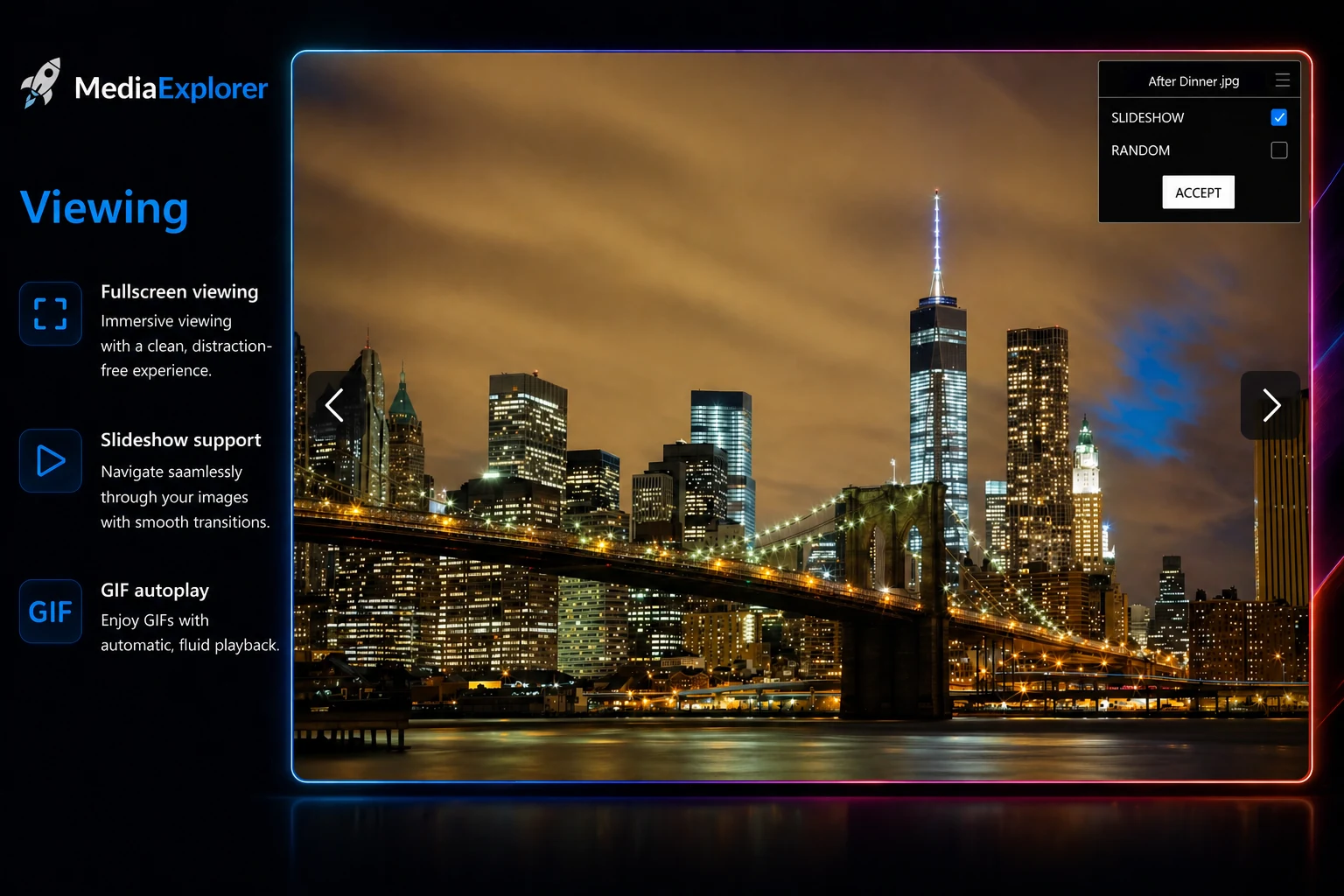
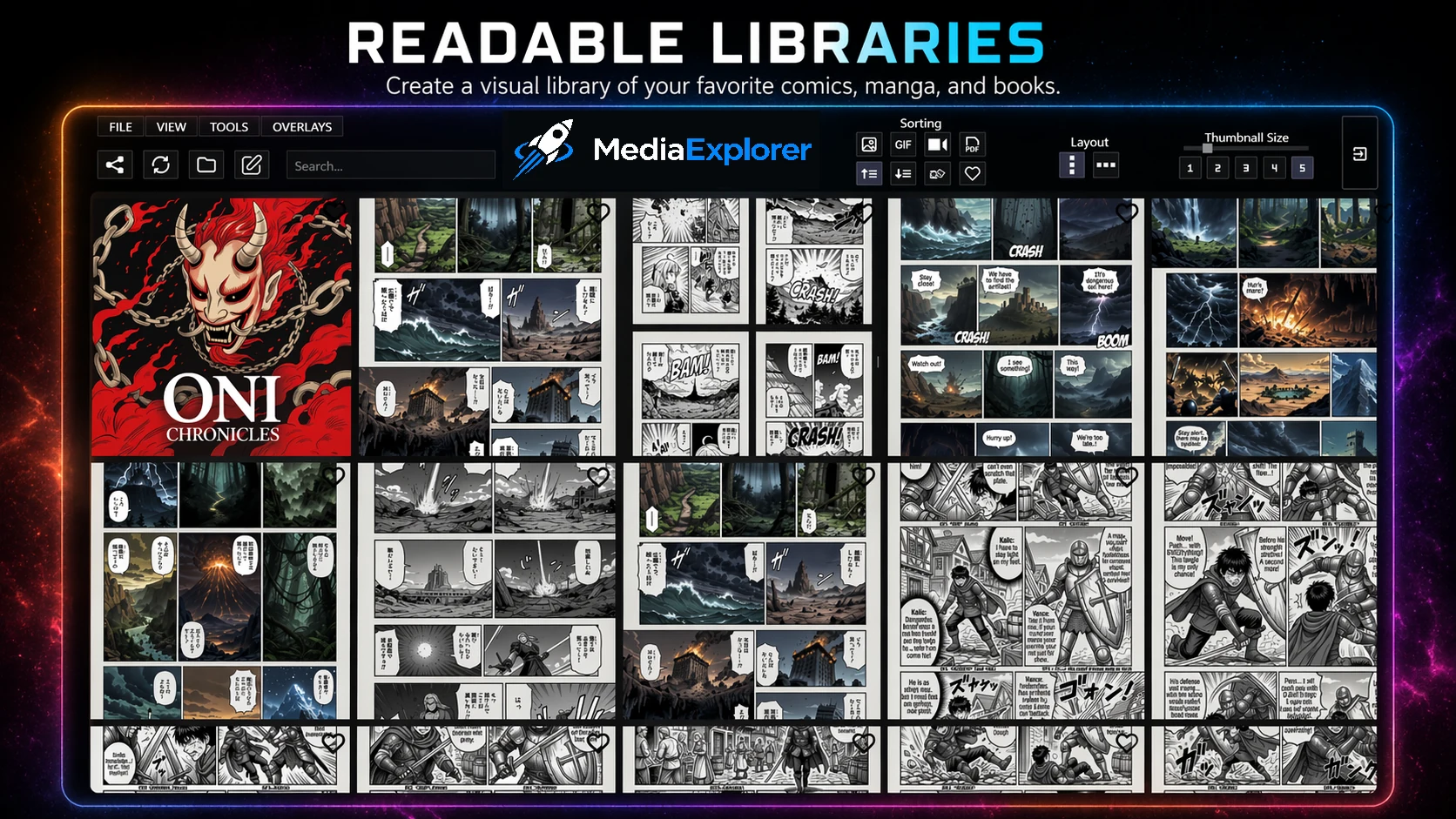
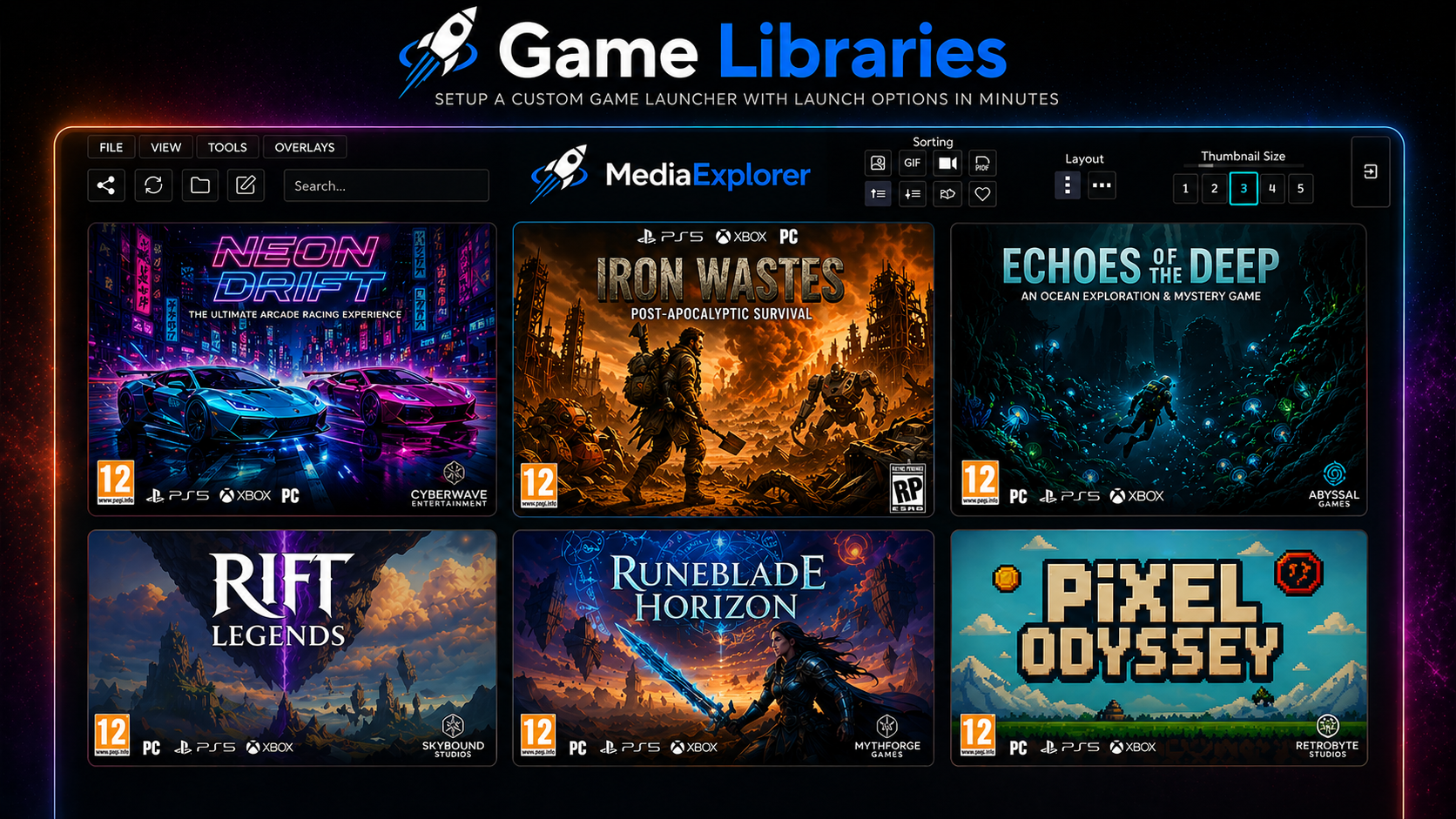
MediaExplorer supports images, videos, GIFs, PDFs, audio files, folders, and applications. View media in fullscreen, resize thumbnails, customize folder covers, mark favorites, sort your collection, and use Launch Mode to turn folders into custom app or game launchers.
Use it for:
• Large image and video libraries
• Manga, ebook, and comic collections
• Music and audio libraries
• Game and app launchers
• Personal media archives
• Any folder-based media collection
MediaExplorer is built for speed, privacy, and control. Everything runs locally on your computer, and your files stay exactly where they are.
A free MediaExplorer demo is included on this page. Purchase MediaExplorer to unlock the full version.
Official website and additional screenshots:
https://www.lunartidesoftware.com/mediaexplorer
Quick Controls:
• Left-Click — Open a file in fullscreen or enter a folder
• Right-Click — Exit fullscreen or return to the previous folder
System Requirements:
• Windows 10 or Windows 11
Purchase
In order to download this program you must purchase it at or above the minimum price of $6.99 USD. You will get access to the following files:
Download demo
Development log
- MediaExplorer Version 1.2 is Almost Here9 days ago
- MediaExplorer 1.1.2 Hotfix35 days ago
- MediaExplorer 1.1.1 is now available.43 days ago
- MediaExplorer 1.1 is now available47 days ago
- MediaExplorer 1.1 Changelog47 days ago
- MediaExplorer 1.1 Update in Progress52 days ago
- MediaExplorer Full Version Now Available80 days ago
- MediaExplorer Lite Launch + Full Version Coming SoonMay 15, 2026
Leave a comment
Log in with itch.io to leave a comment.